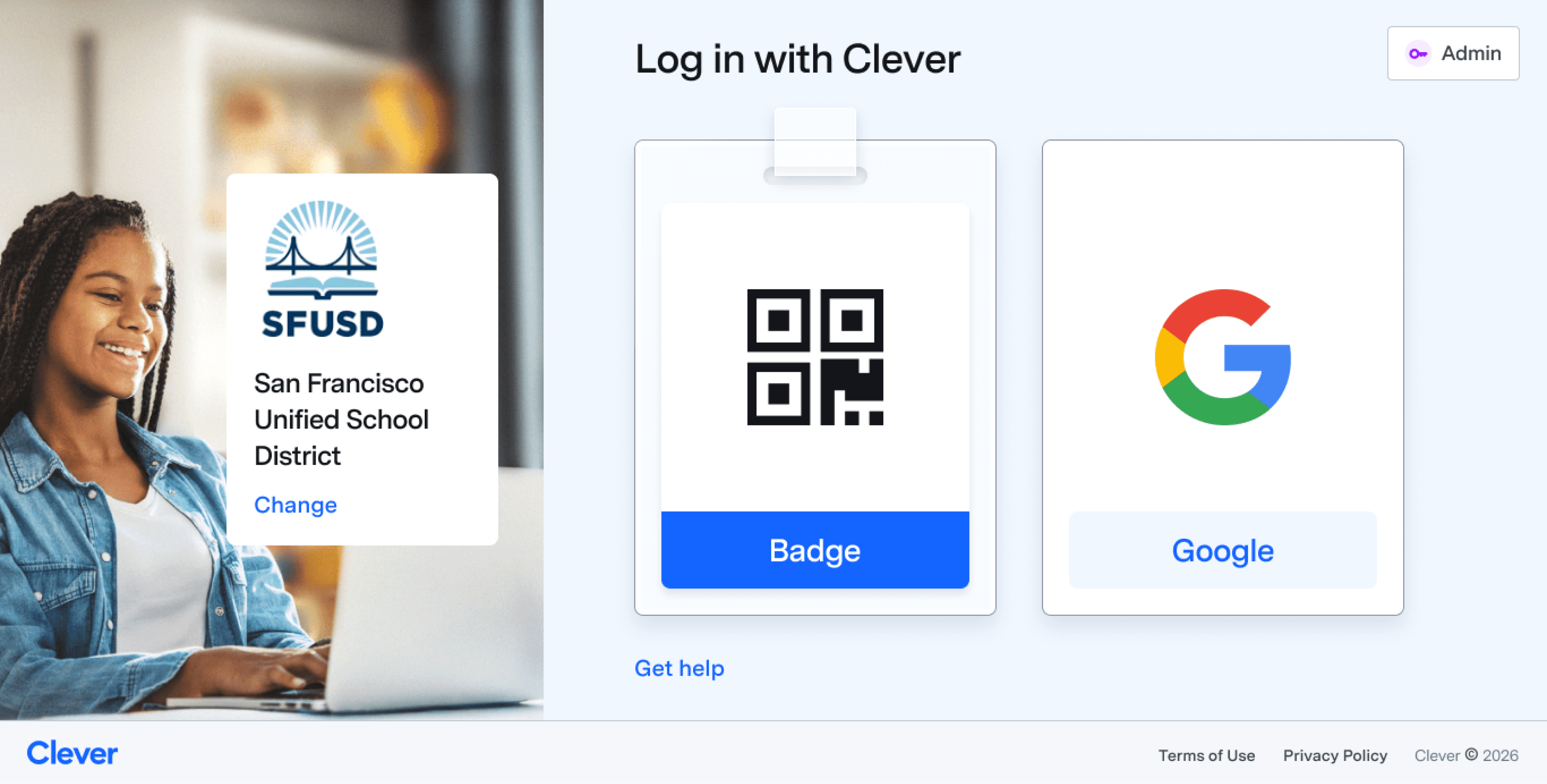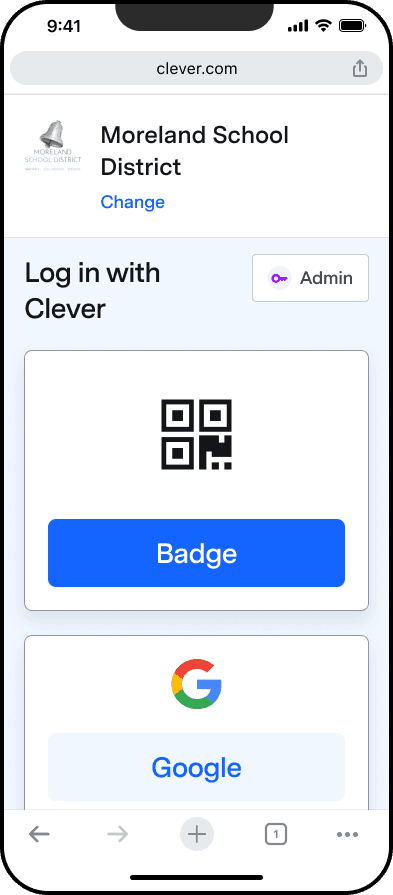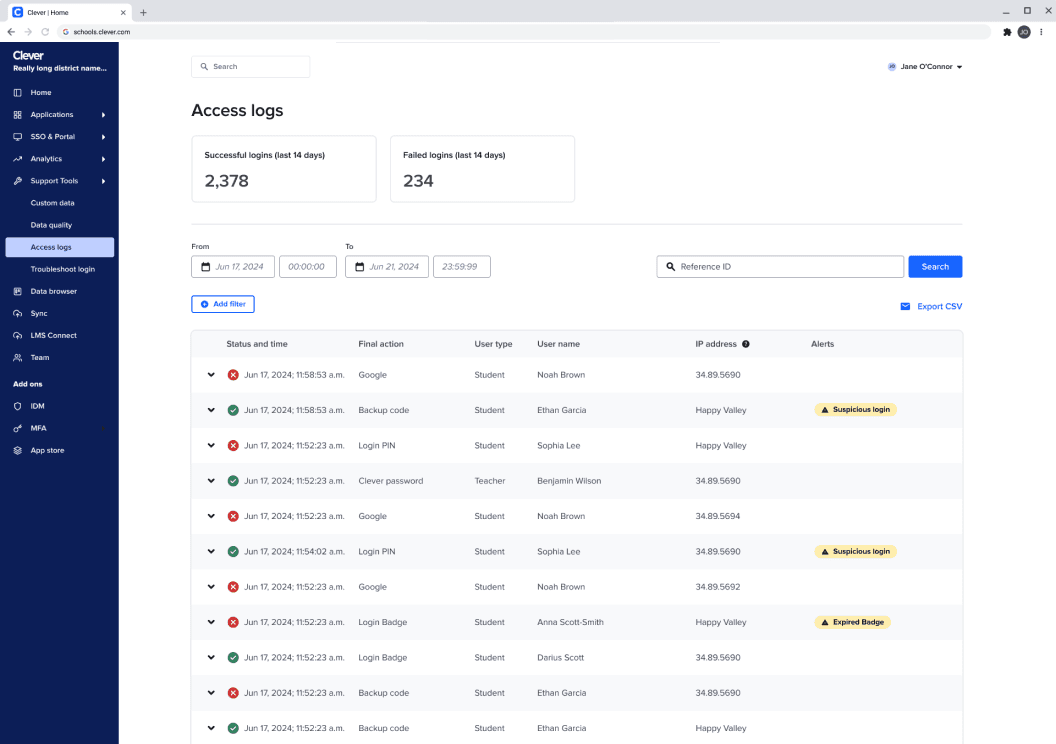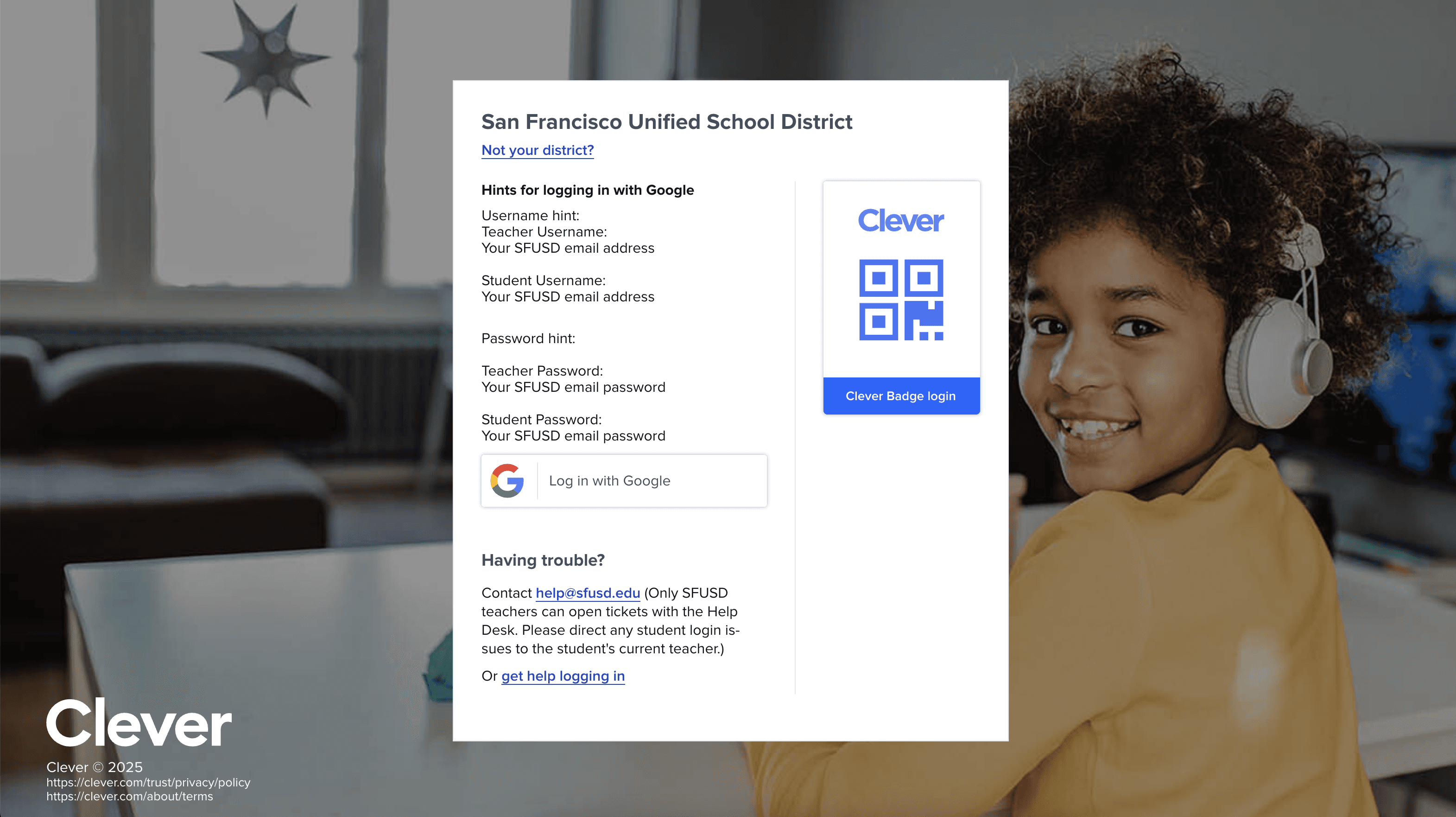
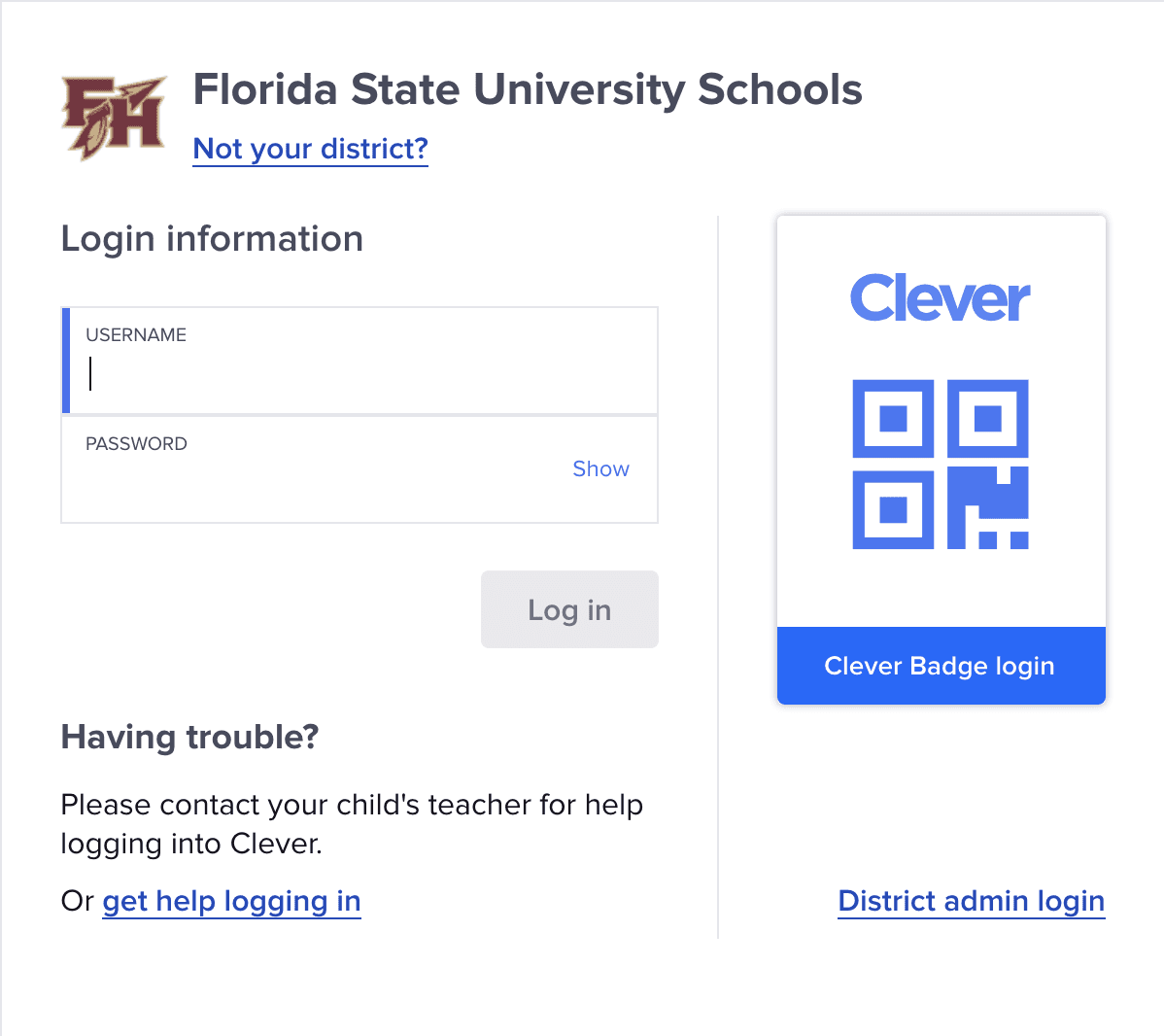
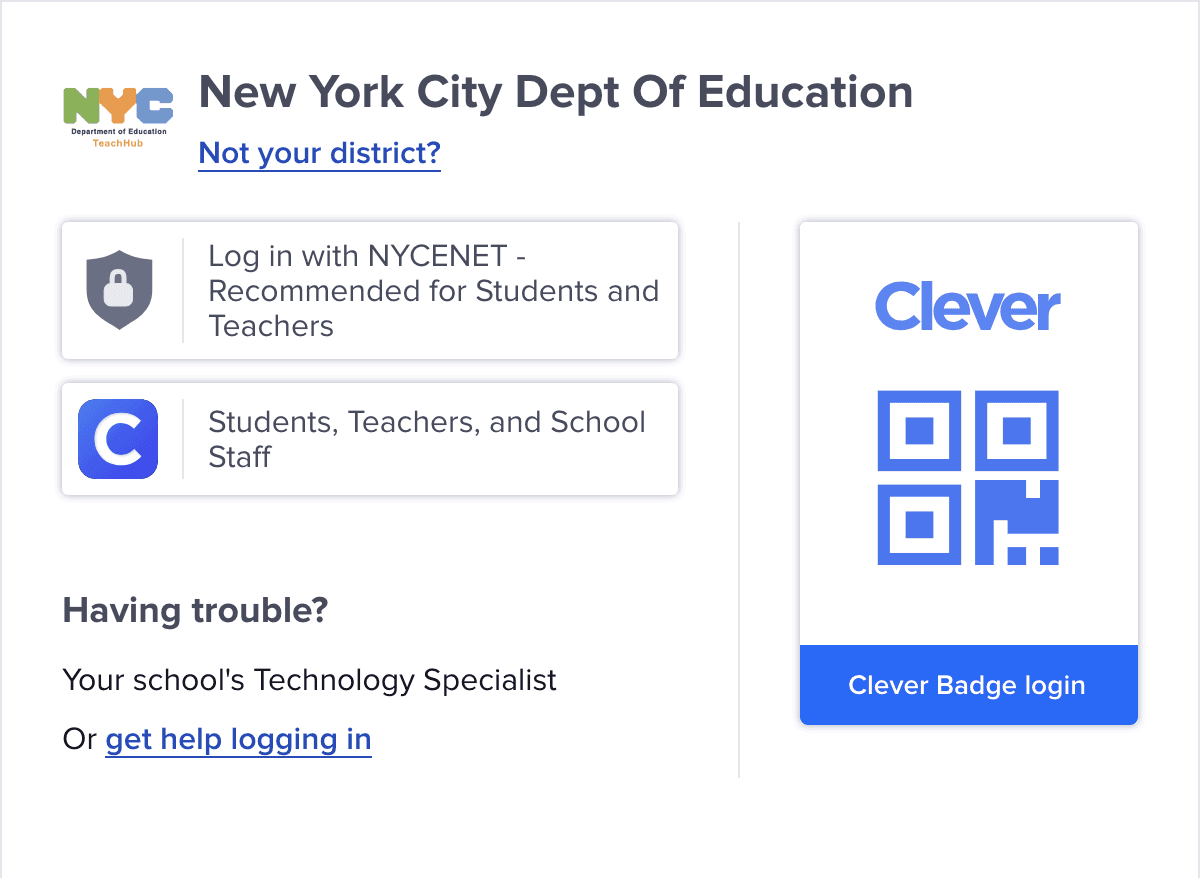
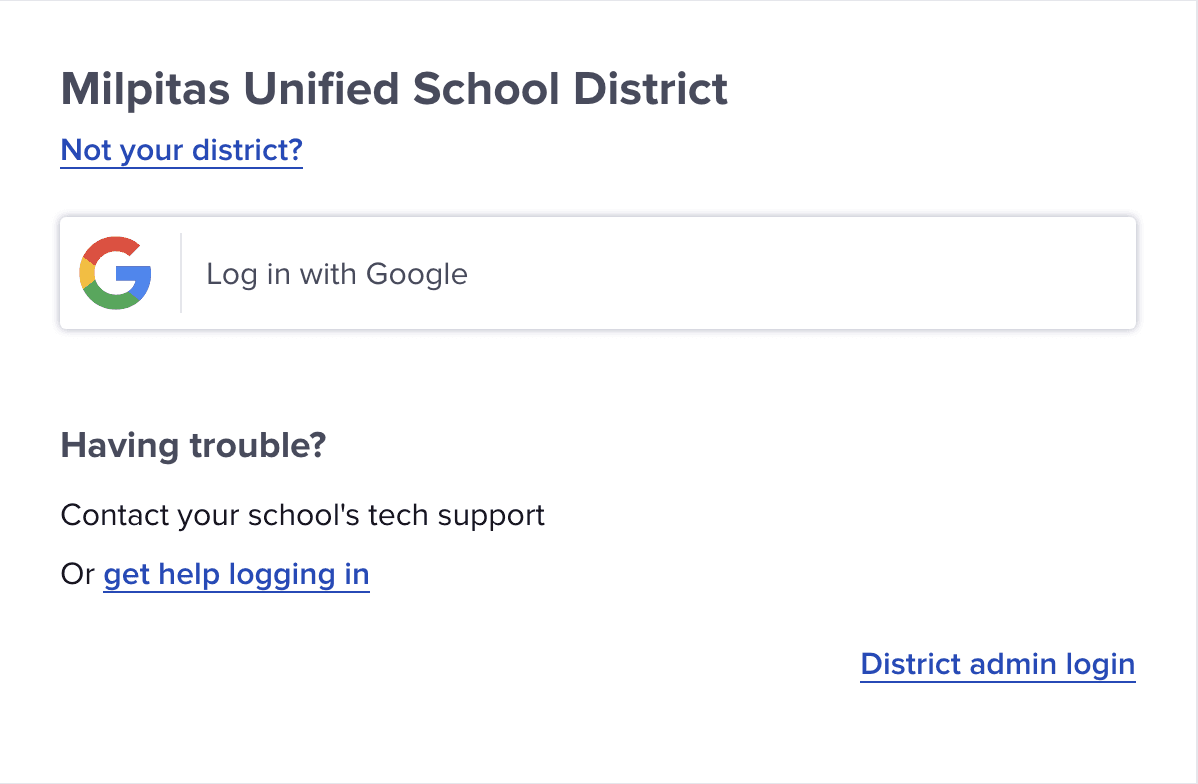
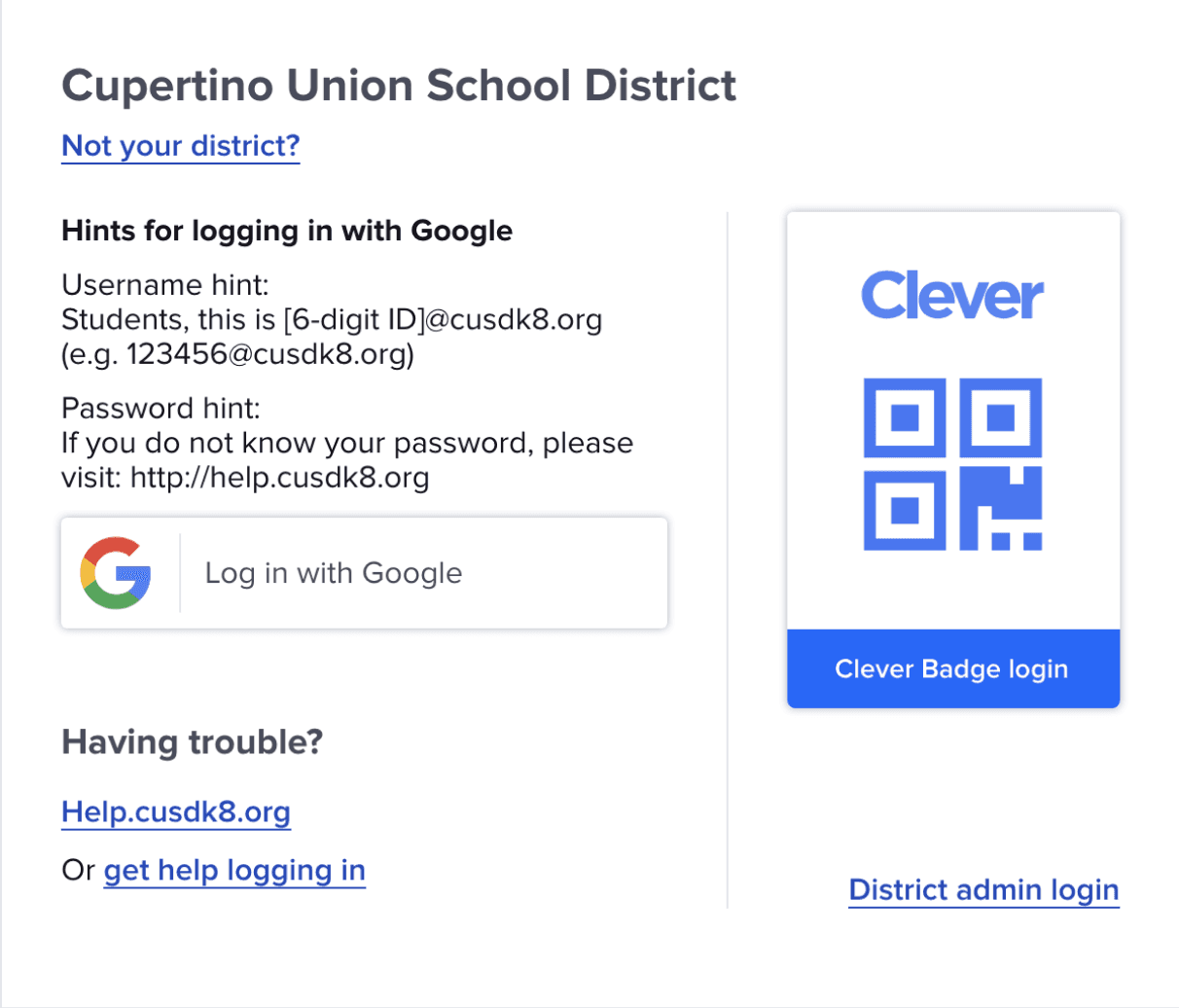
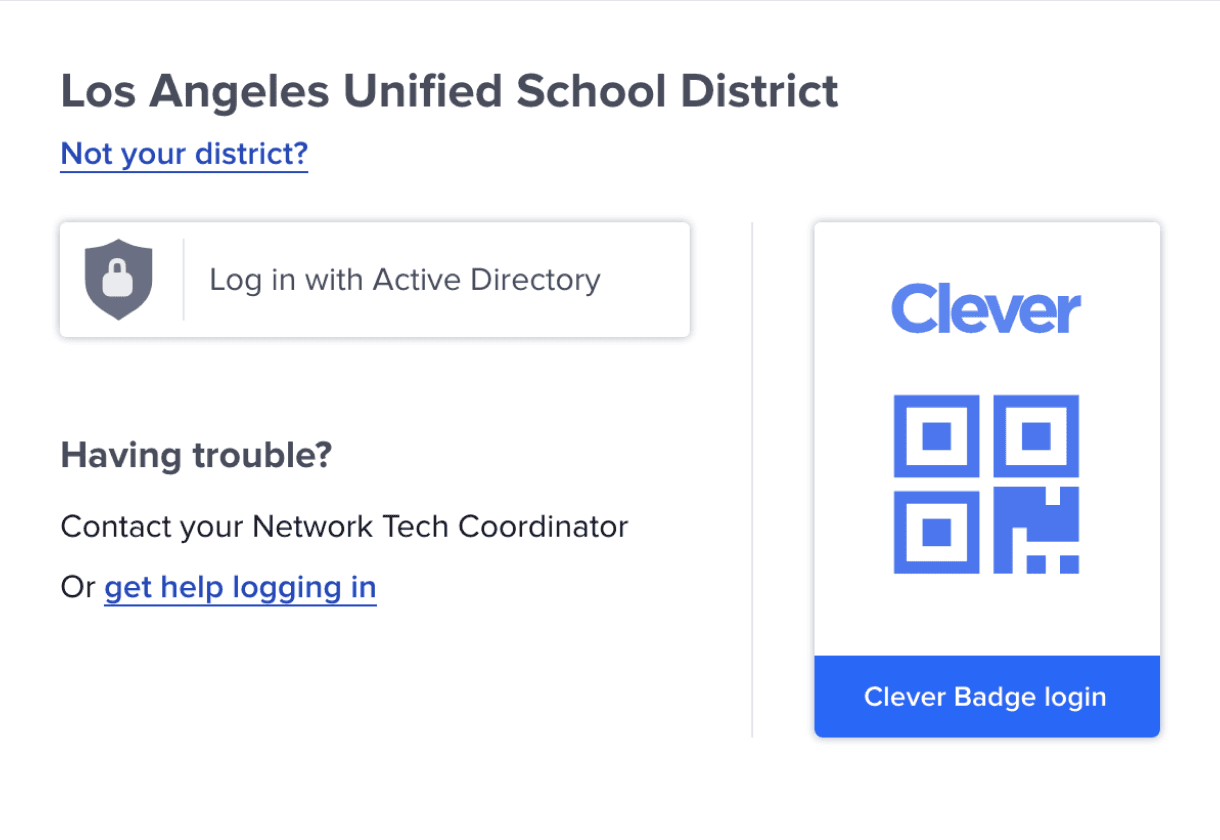
Current login issues: too much text, poor hierarchy, identical district pages, and a distracting background image and a lot of more.
Clever login has numerous UX issues, an outdated and inconsistent UI, and isn’t leveraging platform improvements, which slows users and adds friction for 50M+ users.
To fulfil Clever’s vision of connecting every student to a world of learning, the login experience required a complete redesign.
As the SSO platform for 70% of U.S. schools, the login experience had to support a wide range
of configurations and user groups.
There is no one single login screen for all Clever users—each district has its own setup. The new design had to account for this wide variety of configurations.
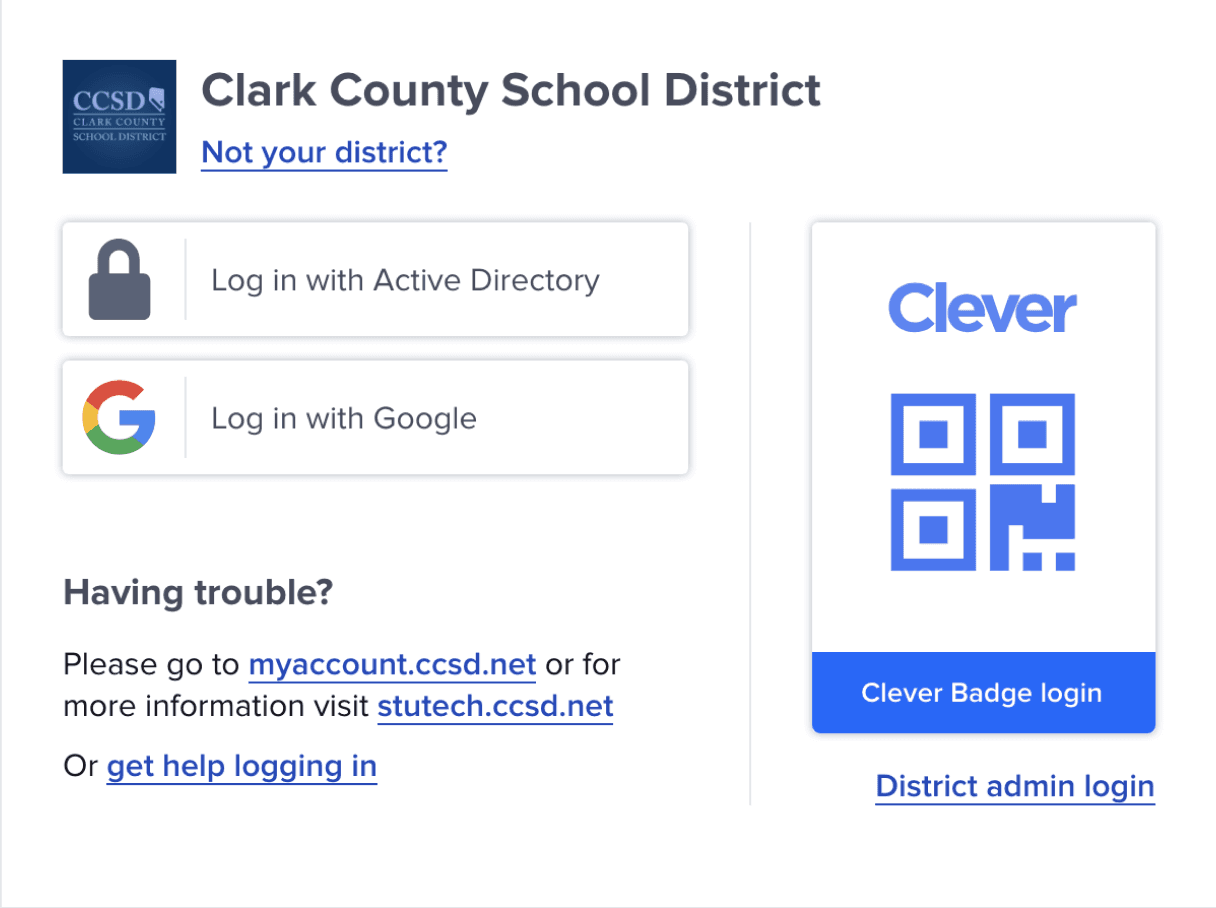
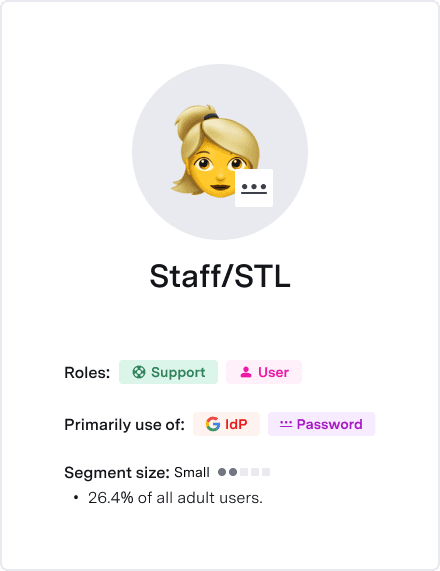
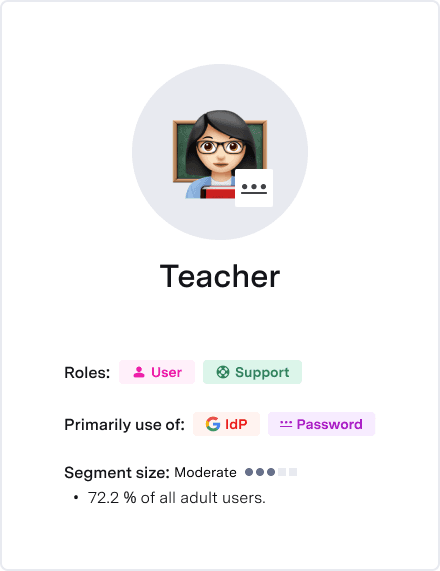
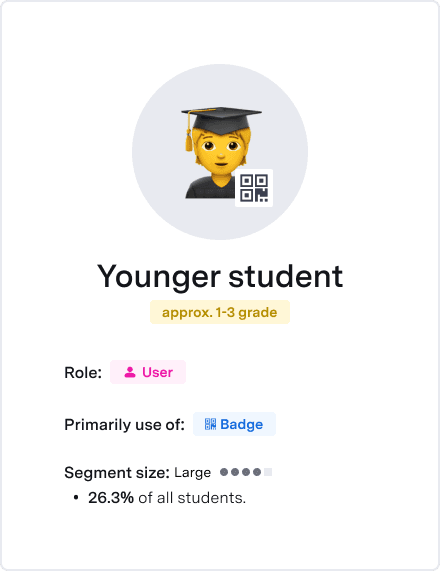
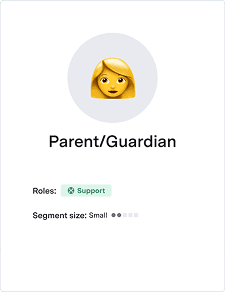
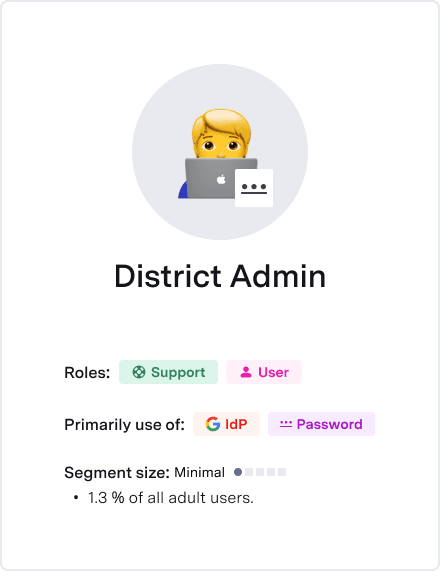
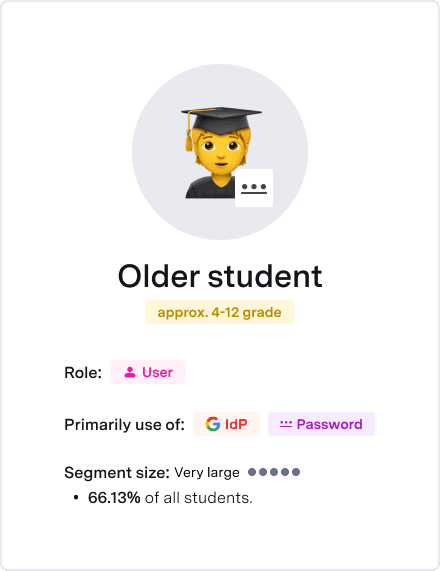
The new design tackled multiple goals, with login improvements that could drive increased revenue.
Reduce friction for struggling users
Streamline Badge (QR code) and complex logins
Decrease unsuccessful attempts
lower the number of support tickets
Improved login
Increased app usage
Reduced churn
Stronger renewals
Higher revenue
Changing such a crucial flow on our platform is not easy, so the redesign will be done in phases. We will start with our MVP, addressing the most pressing needs and most common flows, while less-used screens will be redesigned later.
User tests drove confident, impactful design decisions.
The design underwent multiple rounds of user tests with students, teachers, and administrators to ensure the highest quality, mitigate critical issues during the MVP rollout, and deliver a “wow” factor.
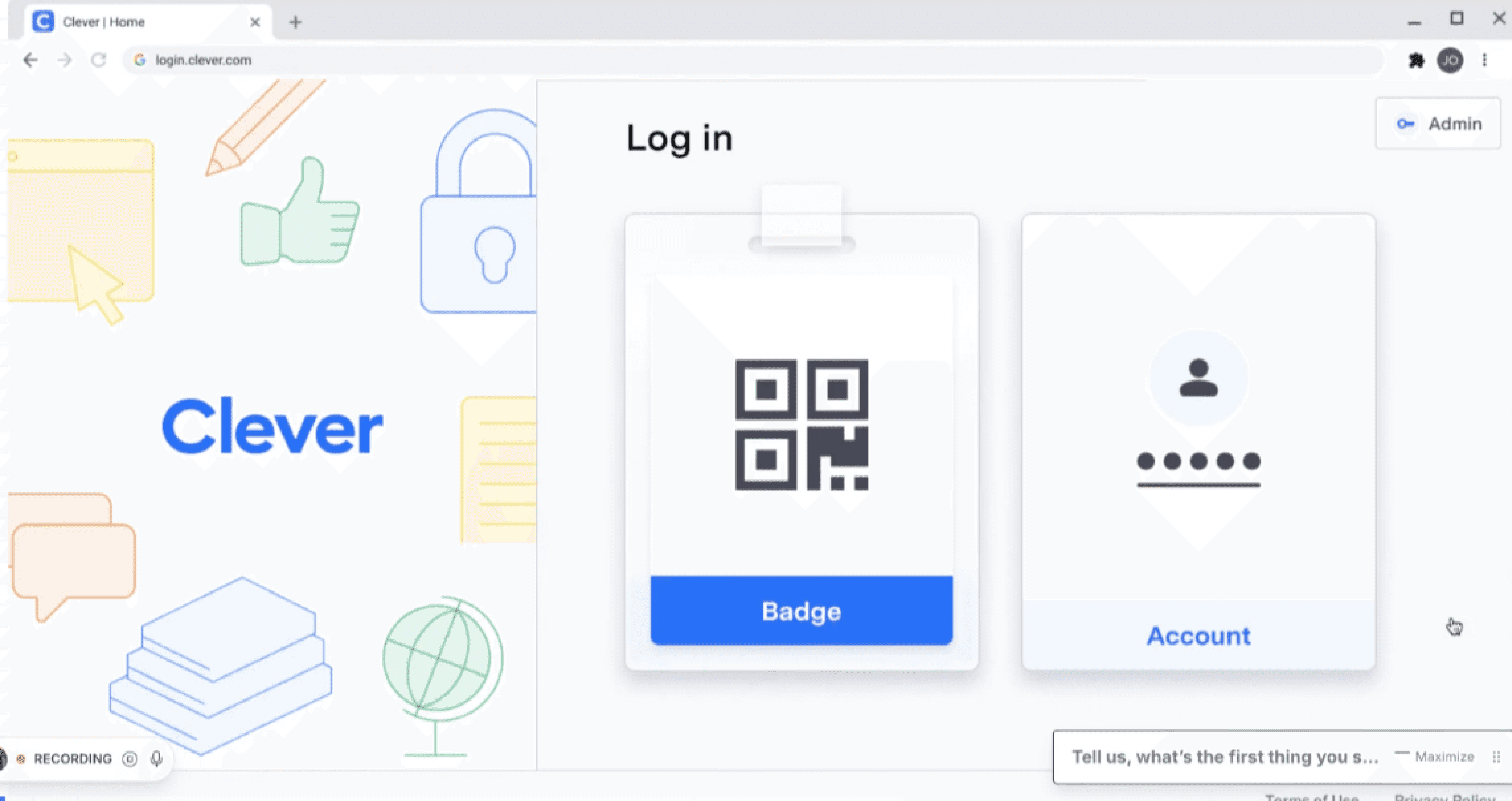

“That’s a pretty good UI”
-Student, grade 6
“It was easy”
-Student, grade 5
“It worked!”
-5-year-old child
Three UX changes that meaningfully improve the experience.
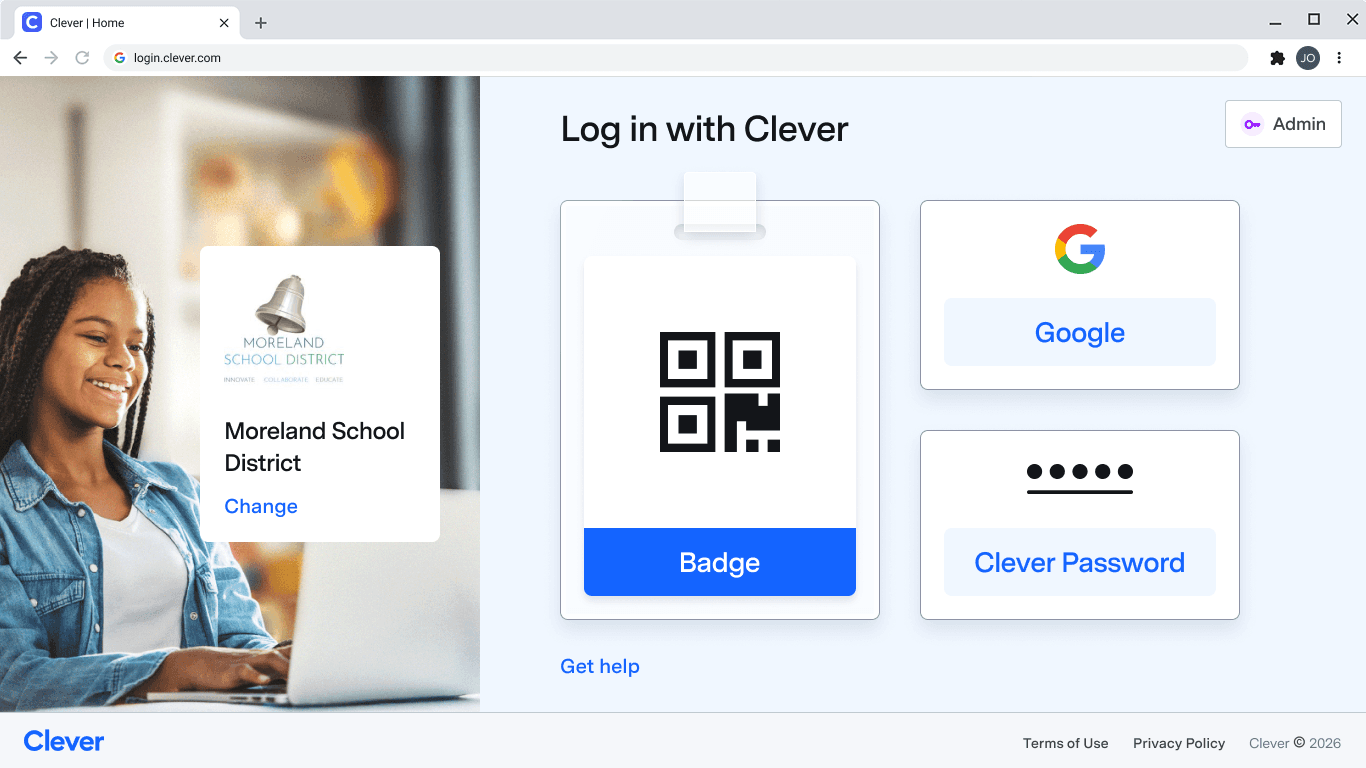
1.
The redesigned login split the screen into a clear school zone and login zone, prioritizing the Badge button for young students and recognizable options for others, which testing showed greatly improved successful logins.
2.
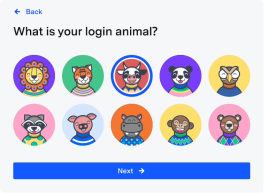
I redesigned the password flow into
a 2-step login to reduce errors and improve recovery.
User testing confirmed that this approach dramatically improved error recovery, especially for younger students, by making the process simpler and more forgiving.
To test this properly, I built a fully interactive prototype using AI tools.
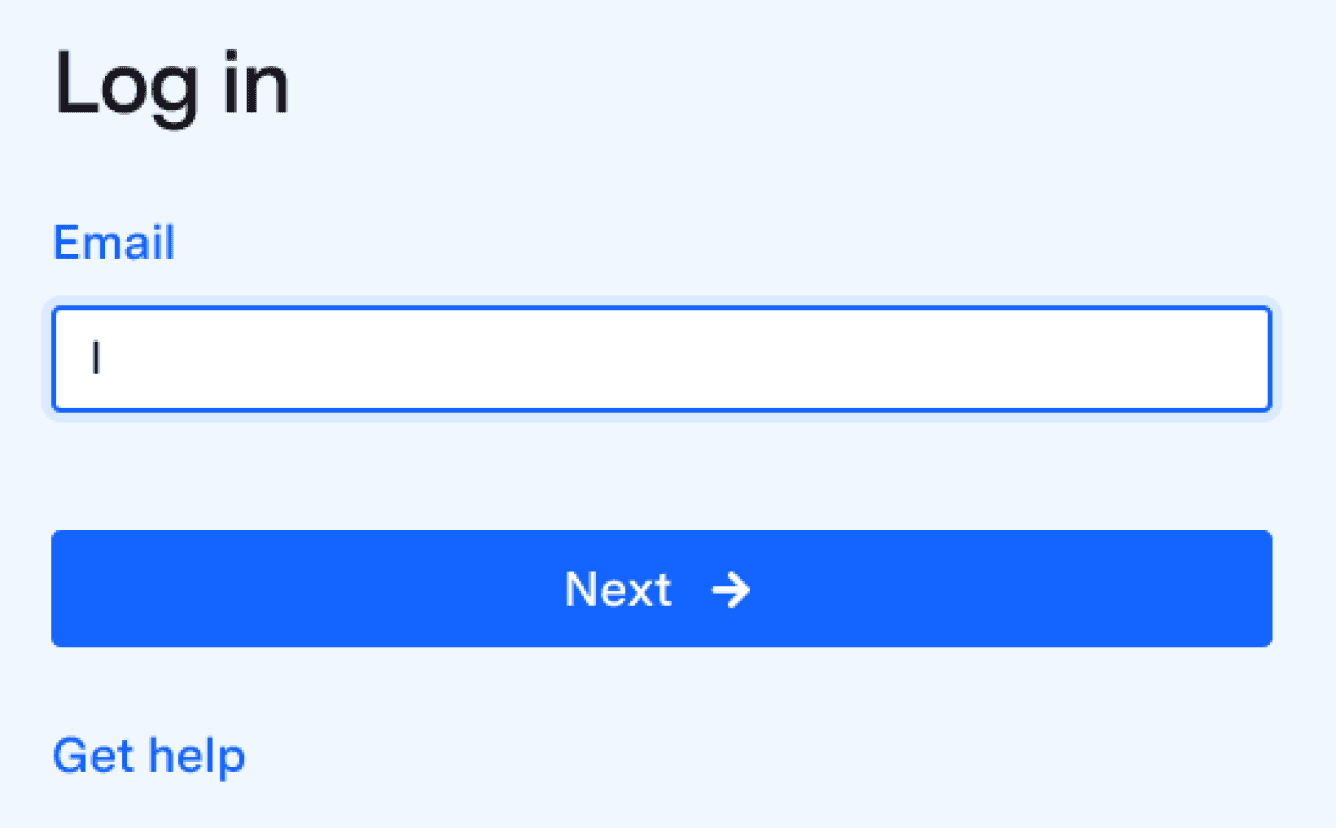
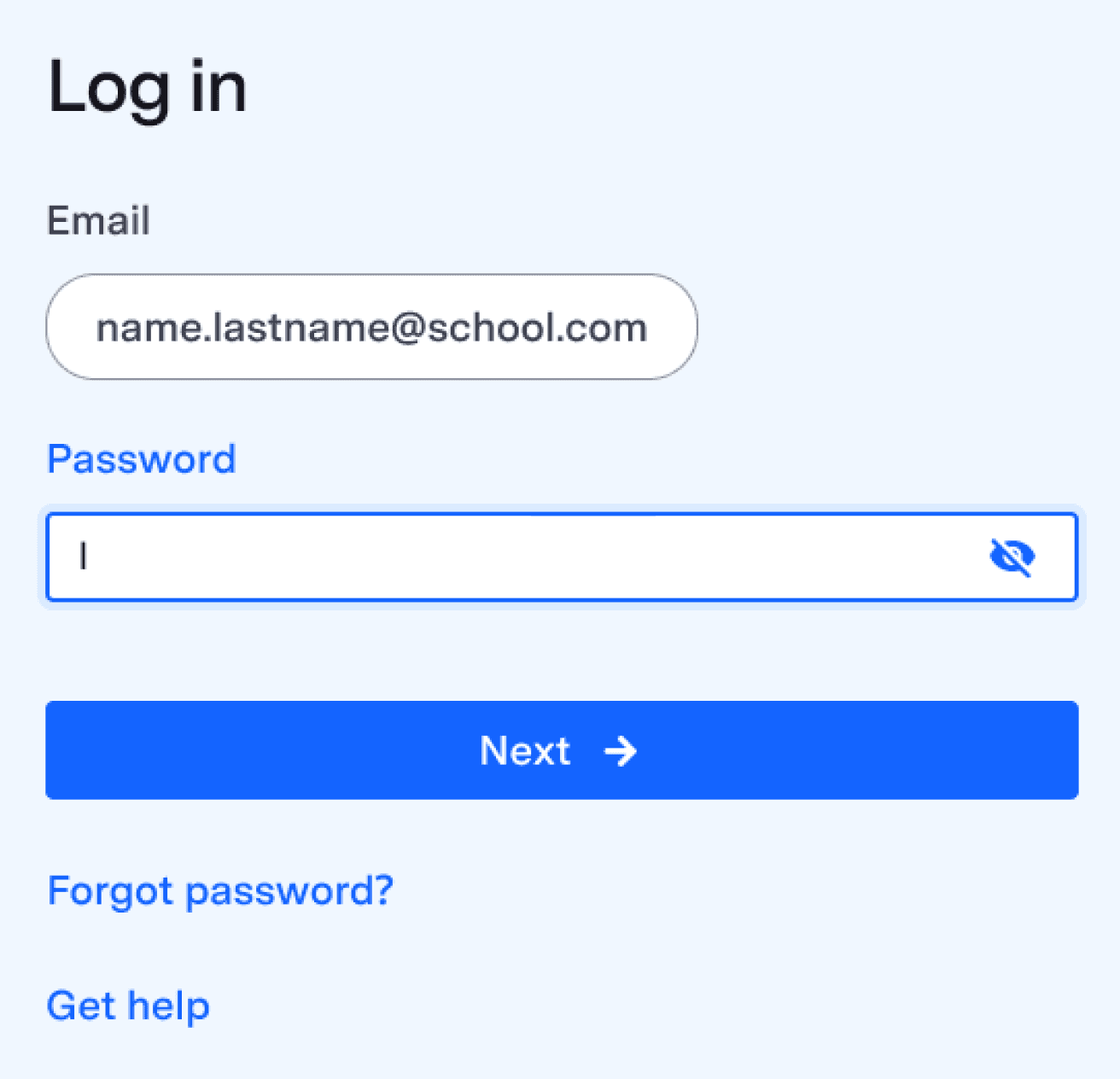
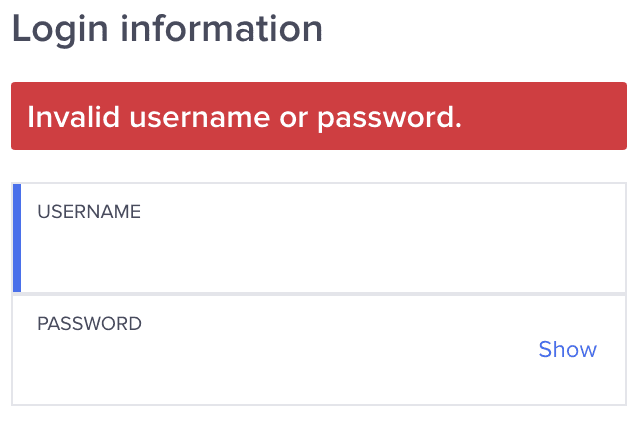
Old vs
New password input
3.
When the school’s login page is unknown.
Younger students often got stuck navigating school selection instead of accessing QR code login when using current UI.
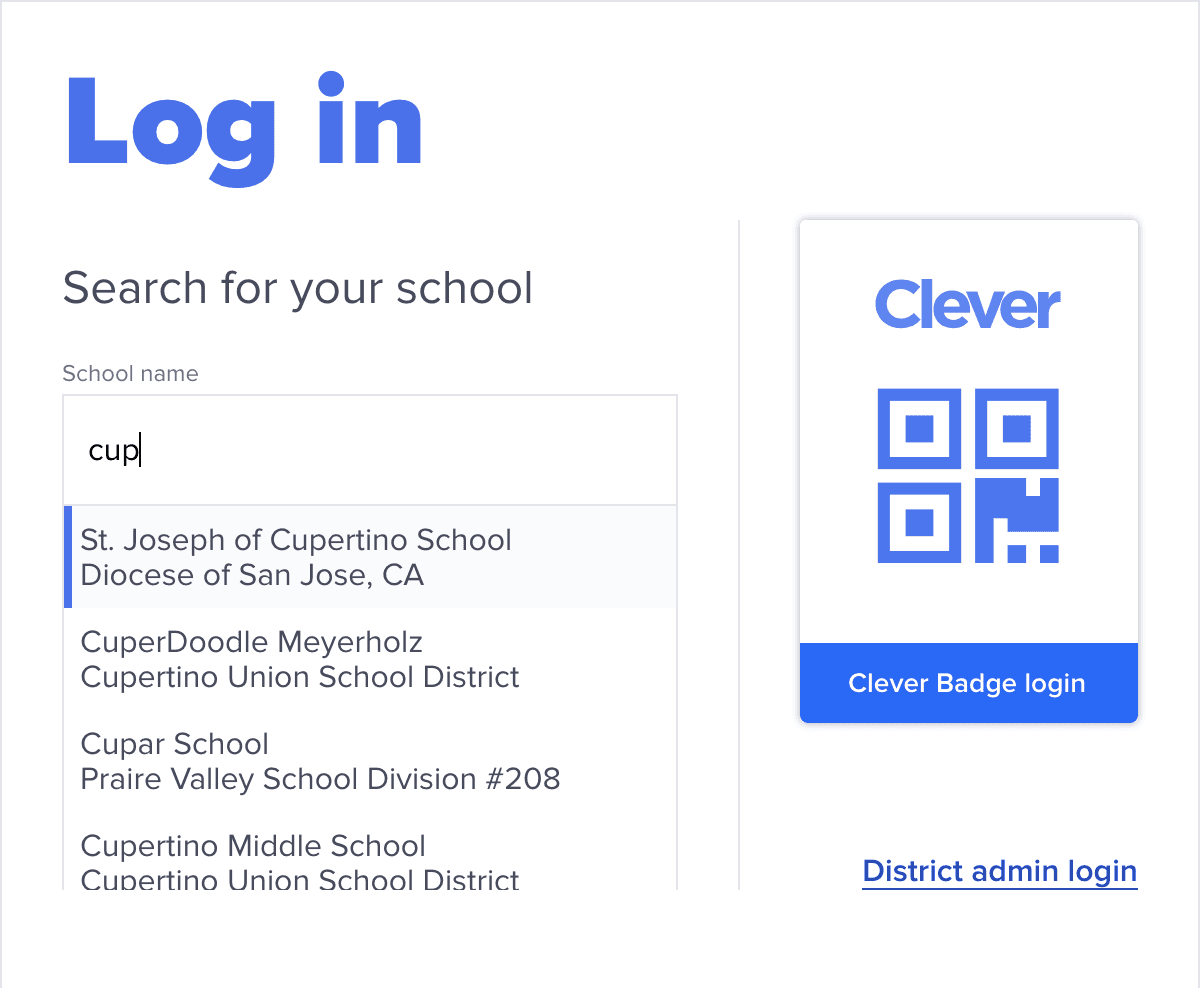
The new design guides students directly to the QR code login, removing the unnecessary school lookup step.
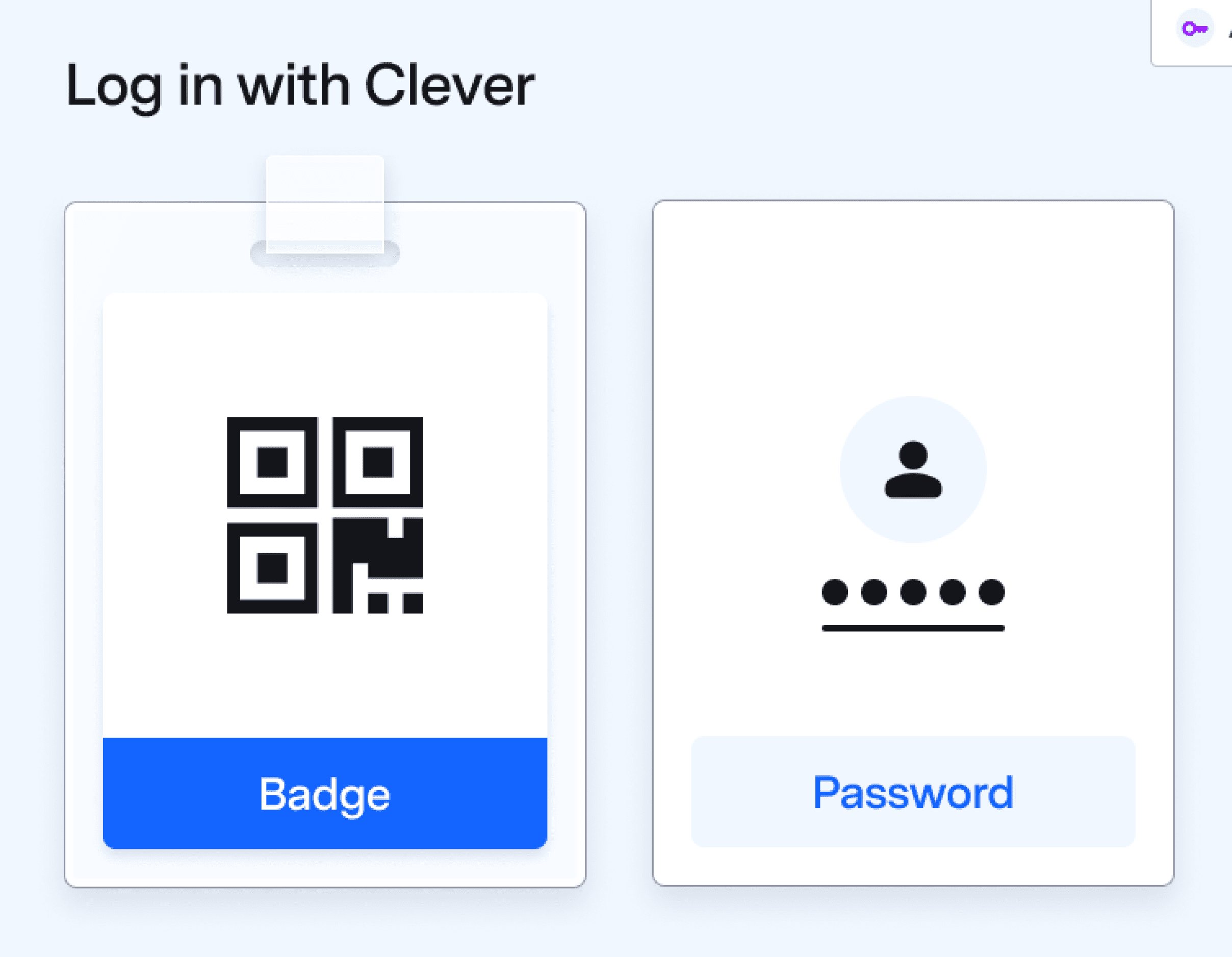
Multiple visual iterations led me to the best design.
1.
Early in my process, I explored adding login method filtering based on user type.
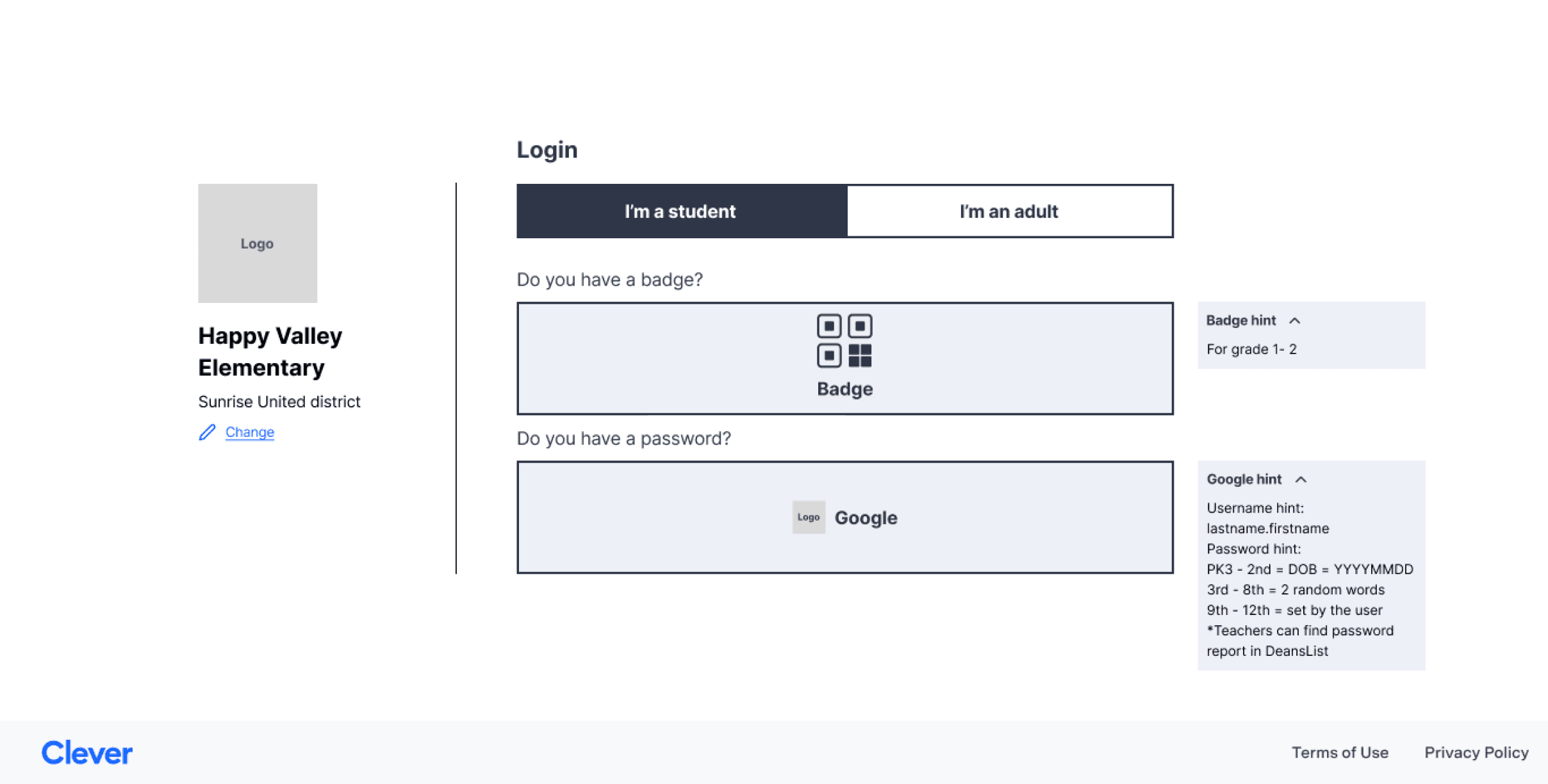
2.
I wasn’t satisfied with the visuals—they lacked the modern, Clever-like look I wanted. I also removed filtering since user types for each method were still unclear.
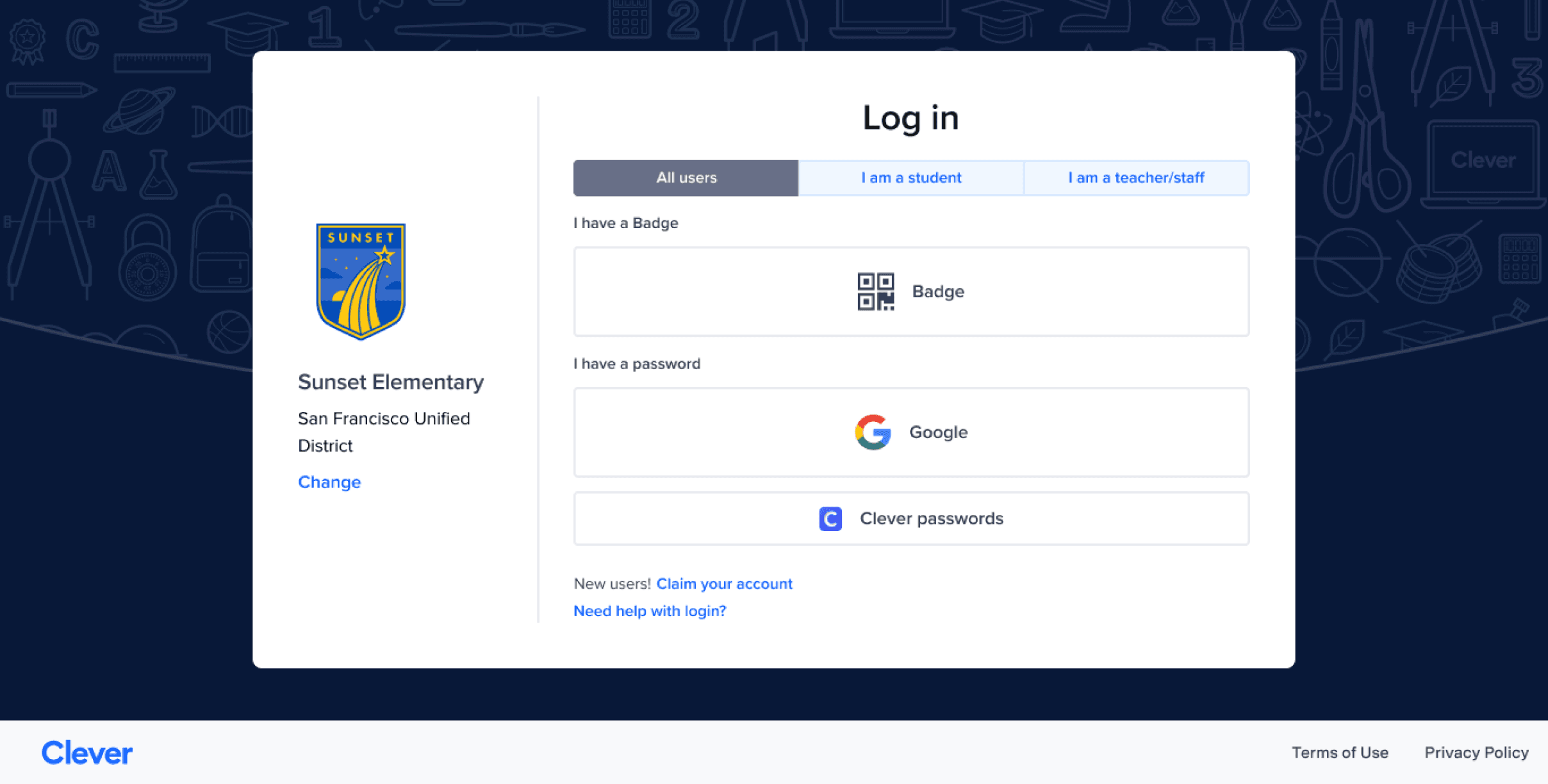
3.
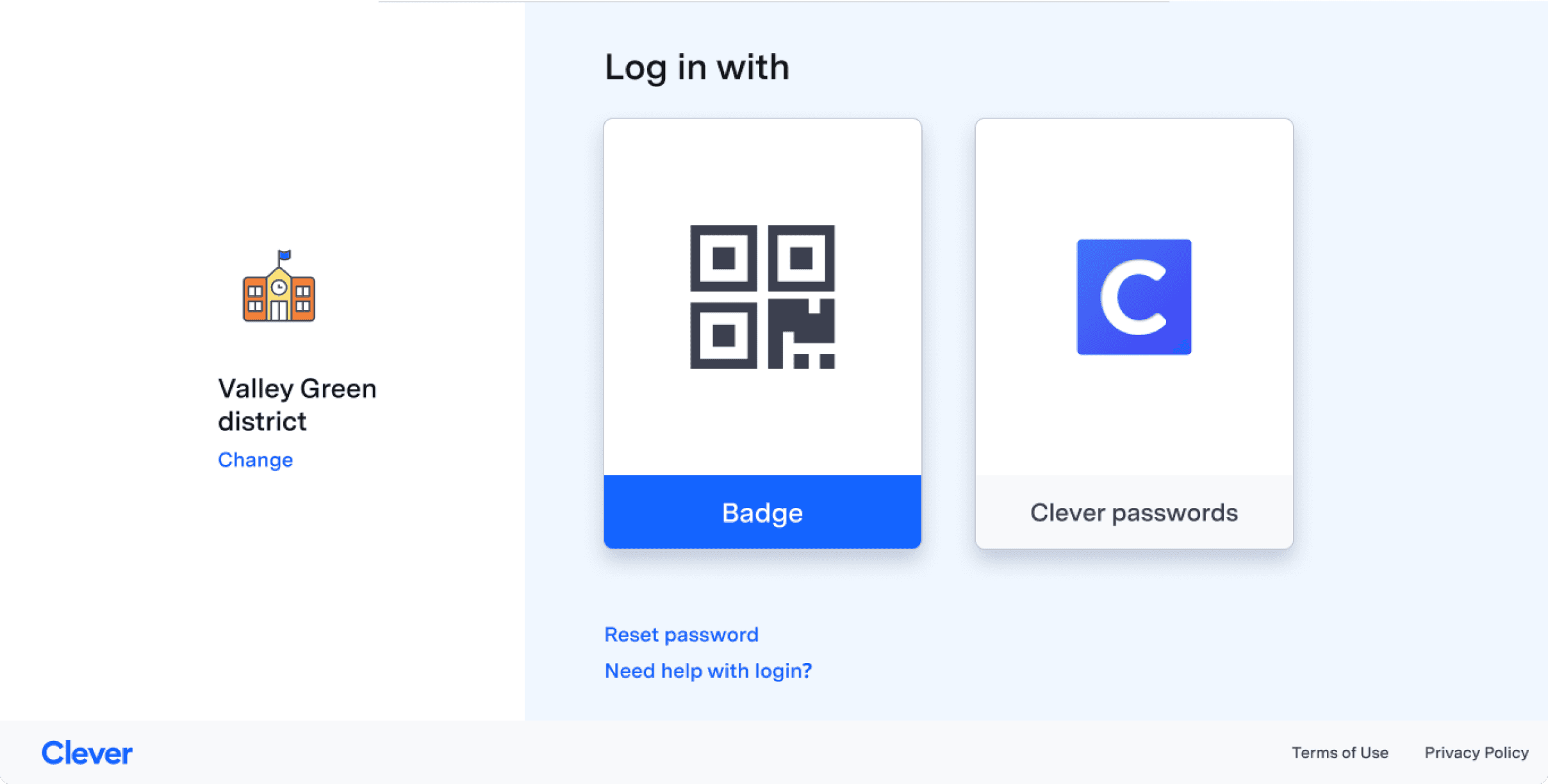
Login options stand out with a clean, simple design, balanced brand colors, and a preferred horizontal layout.
4.
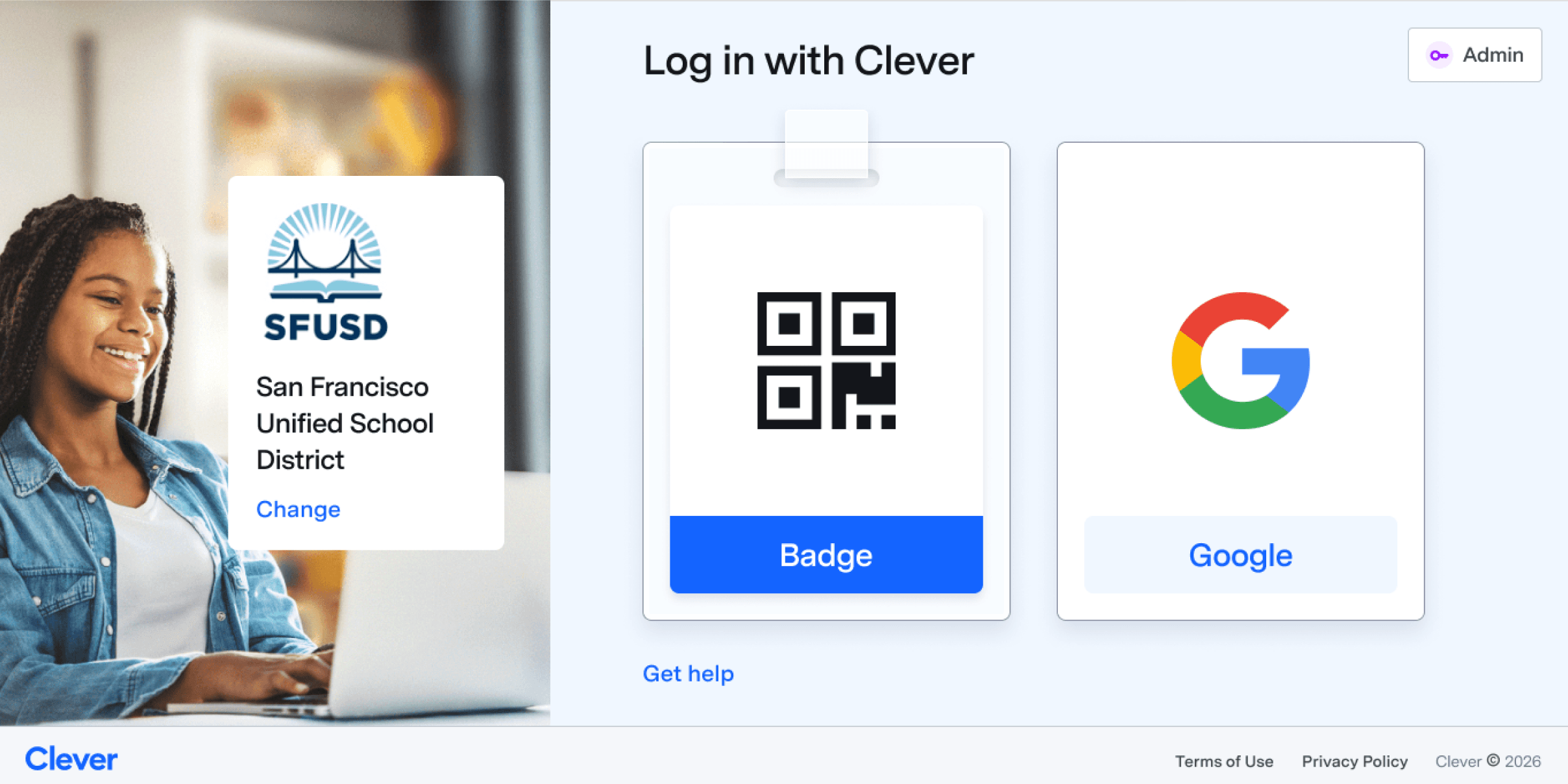
A finished design featuring a skeuomorphic badge button to build affordance for younger users.
1.
Executive Leadership Team
I worked closely with the Head of Product Design and kept the CPO engaged as the key decision-maker, secured CPO’s buy-in on major design decisions by presenting research- and critique-backed options, earning her support in executive reviews.
2.
Product team
Due to staffing constraints and the high level of designer autonomy at Clever,
I led initiatives typically owned by a PM, such as defining metrics and managing leadership alignment.
3.
Engineering team
I worked closely with the engineering manager and tech lead to understand limitations and design feasible solutions that ensured an on-time rollout.
4.
Other teams
Change management matters to our users,
so I involved early reps from Customer Success, Partnerships, Marketing, and Education to gather feedback and ensure awareness.
These are just a few of the major issues and updates in Clever’s most-used UI.
The UX and UI improvements will reduce login time, minimize errors to increase security, and showcase the Clever brand with a modern look that stands out from the competition.